

Introduction
The best planner apps for busy schedules help you get your day back on track.
Meetings, tasks, and messages are all fighting for your attention right now, and even when you’re working all day, it’s easy to feel like you’re behind.
That’s not a problem with motivation. It’s a problem with planning.
The best digital planner apps help you organise your day, keep your priorities straight, and cut down on distractions so you can focus on what really matters.
This guide has the best planner apps for busy people. They will help you stay on track and organise your life faster without making things too complicated.
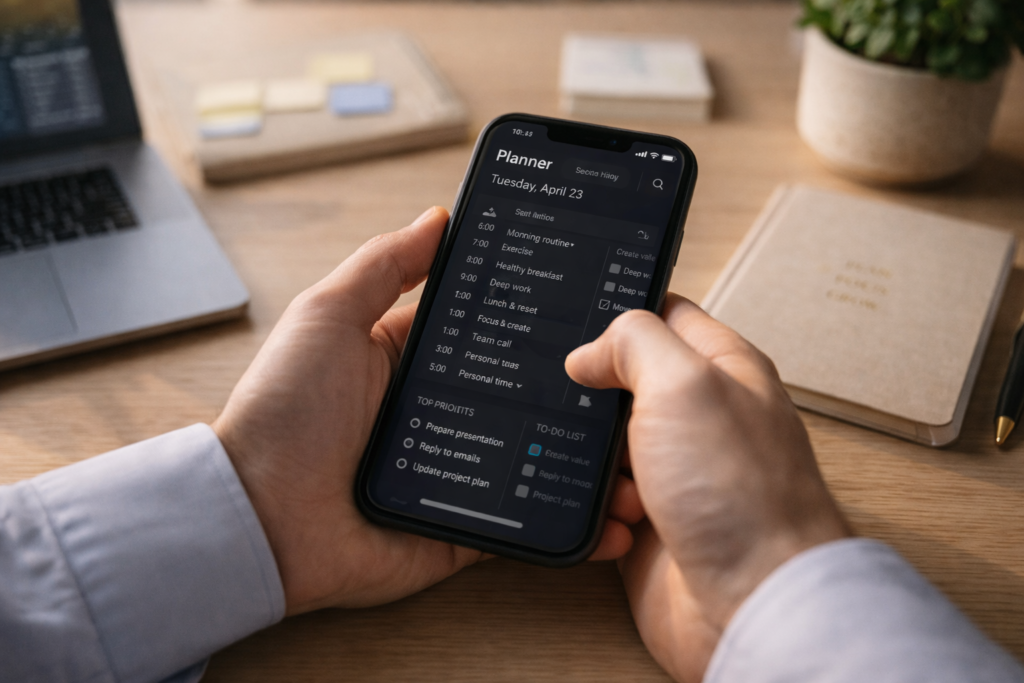
What Are Planner Apps (And Why You Actually Need One)?
A planner app is more than a to-do list. It helps you:
- Organize tasks, meetings, and goals
- Visualize your day, week, or month
- Stay focused with reminders and time blocking
- Sync everything across devices
Think of it as your personal assistant… minus the salary.
Planner Apps vs To-Do List Apps: What’s the Difference?
This is a big one.
| Feature | Planner Apps | To-Do List Apps |
|---|---|---|
| Scheduling | Yes (calendar-based) | Limited |
| Time Blocking | Yes | Rare |
| Goal Tracking | Often included | Minimal |
| Visual Layout | Timeline, calendar | List-based |
| Use Case | Full life management | Task tracking only |
👉 In short: Planner apps help you plan your life. To-do apps just list it.
But even the best tools won’t help if you’re focusing on the wrong things—here’s how to stop being busy and start focusing on what actually matters.
Top 15 Best Planner Apps for Busy Schedules (2026)
Here’s where things get interesting. I’ve tested, compared, and (occasionally rage-quit) dozens of apps to bring you this list.
1. Todoist – Best for Clean Productivity
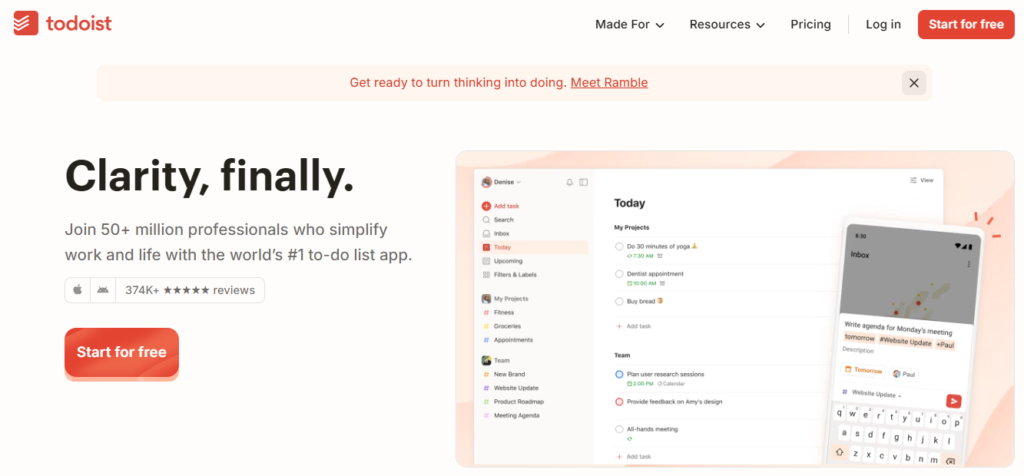
- Smart task scheduling
n- Priority levels and filters - Syncs with Google Calendar
Perfect if you want something powerful but not overwhelming.
Best for: Individuals, freelancers
2. TickTick – Best All-in-One Planner
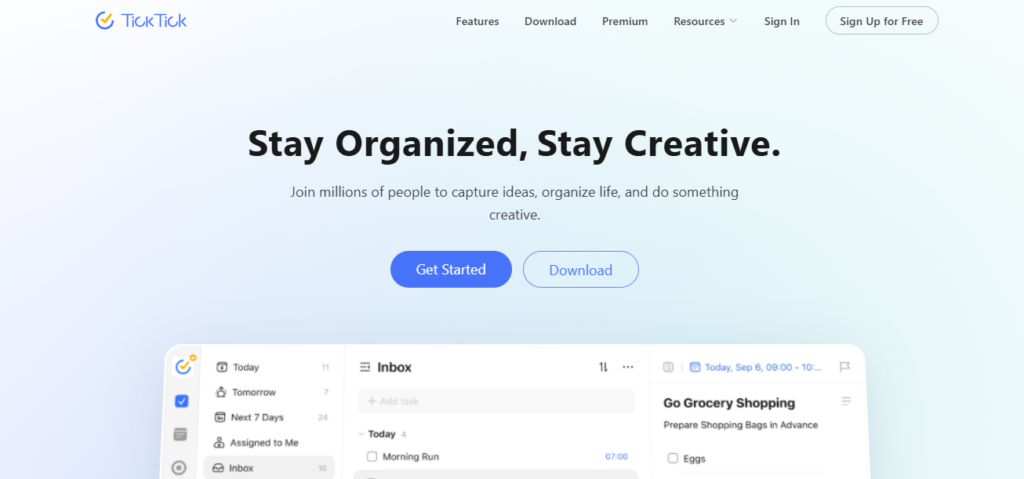
- Built-in Pomodoro timer
- Habit tracking
- Calendar + task combo
This one feels like a productivity Swiss Army knife.
3. Google Calendar – Best Free Planner App
- 100% free
- Easy event scheduling
- Works seamlessly across devices
If you’re just starting out, this is your safest bet.
4. Notion – Best Custom Planner
- Fully customizable dashboards
- Templates for everything
- Combines notes + tasks + databases
Downside? Slight learning curve.
5. Sunsama – Best for Daily Planning
- Guided daily workflow
- Drag tasks into calendar
- Encourages realistic planning
This app basically forces you to stop overbooking yourself (thankfully).
6. Any.do – Best Simple Daily Planner
- “Plan My Day” feature
- Clean interface
- Great for beginners
7. ClickUp – Best for Teams
- Project management + planning
- Docs, goals, and automation
- Collaboration tools
8. Trello – Best Visual Planner
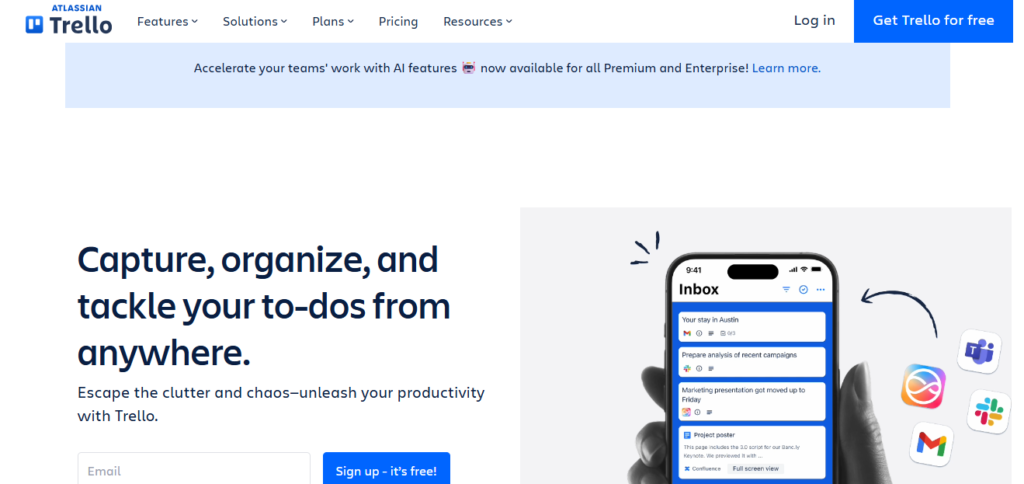
- Kanban boards
- Drag-and-drop workflow
- Great for projects
9. Akiflow – Best Unified Planner
- Combines tasks from multiple apps
- Time blocking focused
- Keyboard shortcuts for speed
10. Structured – Best for Visual Time Blocking
- Timeline layout
- Ideal for ADHD users
- Easy drag-and-drop
11. Morgen – Best Multi-Calendar Tool
- Combines multiple calendars
- Scheduling + tasks
12. NotePlan – Best for Note Lovers
- Markdown notes + calendar
- Great for deep thinkers
13. Pocket Informant – Best Advanced Planner
- Weather integration
- Powerful task system
14. Clockify – Best for Time Tracking
- Track billable hours
- Reports and insights
15. Apple Reminders – Best Native iOS Option
- Free and built-in
- Smart lists and reminders
Comparison Table: Best Planner Apps at a Glance
| App | Best For | Free Plan | Key Feature |
|---|---|---|---|
| Todoist | Individuals | Yes | Smart scheduling |
| TickTick | All-in-one | Yes | Pomodoro + habits |
| Google Calendar | Beginners | Yes | Simple scheduling |
| Notion | Custom setups | Yes | Flexibility |
| Sunsama | Daily planning | No | Guided workflow |
| ClickUp | Teams | Yes | Project management |
Free Planner Apps That Actually Work
Let’s be honest—no one wants another subscription.
Here are solid free planner apps:
- Google Calendar
- Todoist (free tier)
- TickTick (free version)
- Apple Reminders
👉 Yes, you can stay organized without spending a dollar.
Features You Should Look For in a Planner App
Before you download anything, check for these:
- Cross-platform sync (phone + desktop)
- Time blocking support
- Reminders and notifications
- Calendar integration
- Offline access
Bonus points if it includes:
- Habit tracking
- Pomodoro timer
- AI scheduling
Can Planner Apps Help With Time Blocking?
Absolutely. In fact, this is where they shine.
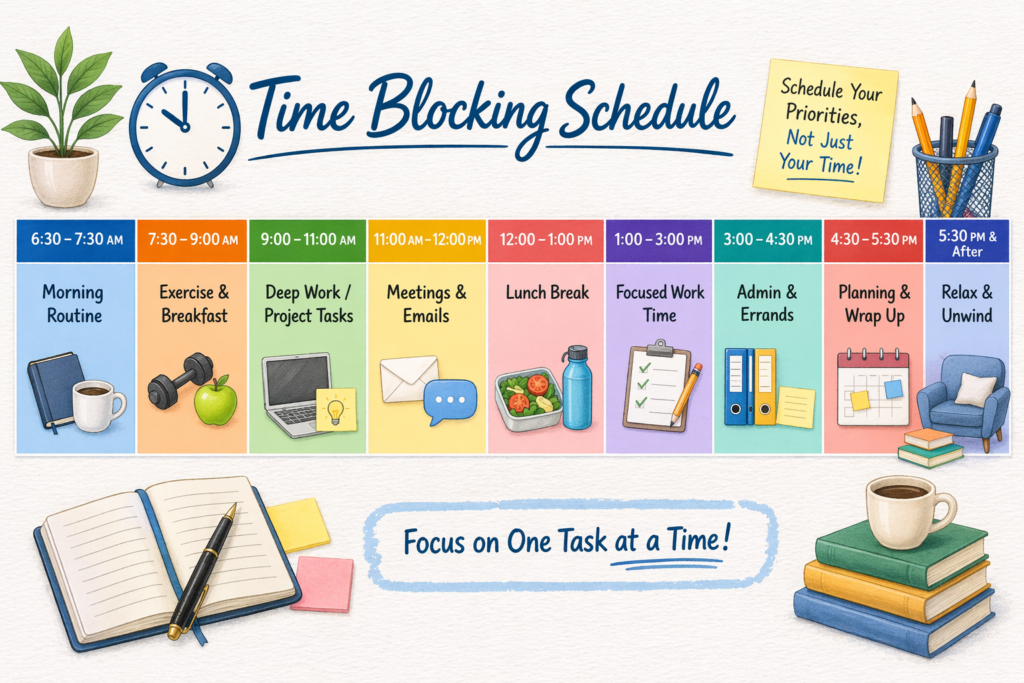
Apps like:
- Sunsama
- Akiflow
- TickTick
- Structured
…let you assign tasks to actual time slots.
Instead of saying “I’ll do it later”, you’re saying:
👉 “I’ll do it at 2:30 PM.”
Game changer.
Planner Apps With Pomodoro Timers
If you struggle with focus, look for built-in timers.
Top picks:
- TickTick
- Clockify
These help you work in short bursts and avoid burnout.
Best Planner Apps for Teams & Remote Work
Working with others? You need collaboration.
Top team planner apps:
- ClickUp
- Trello
- Planyway
These allow:
- Task assignments
- Shared calendars
- Real-time updates
Best Planner Apps for Students (2026)
Students need something flexible and simple.
Best picks:
- Notion
- TickTick
- Google Calendar
Perfect for tracking classes, assignments, and study time.
How Much Do Planner Apps Cost?
Here’s a rough idea:
- Free: $0
- Basic premium: $3–$10/month
- Advanced tools: $10–$20/month
👉 Most people do just fine with free or basic plans.
Do Planner Apps Sync Across Devices?
Yes—most modern mobile planner apps sync automatically.
You can start a task on your phone and finish it on your laptop without missing a beat.
Best Planner App for Habit Tracking
If building routines is your goal:
👉 TickTick is your best friend.
It combines tasks, habits, and scheduling in one place.
Final Thoughts: Which Planner App Should You Choose?
Here’s the truth—there is no perfect app.
Only the one you’ll actually use.
If you’re overwhelmed, start simple:
- Beginner → Google Calendar
- Power user → TickTick
- Custom lover → Notion
- Team player → ClickUp
Call to Action
Now it’s your turn.
Pick ONE app from this list and try it for a week.
Not five apps. Not ten.
Just one.
Because productivity isn’t about having the best tools…
It’s about actually using them.